 Pagecut
Every section of every page.
One ZIP.
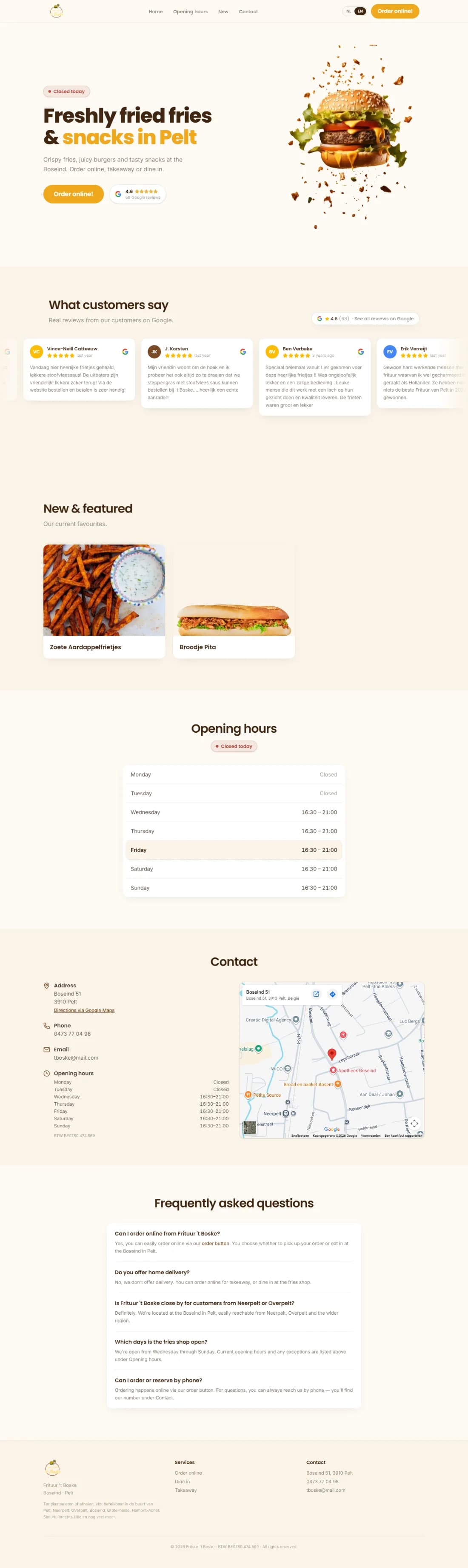
Pagecut finds every page of a website, cuts each page into its sections, and saves a clean screenshot of each one. For redesigns, portfolios and client presentations.
Three clicks, one ZIP
No more scrolling, cropping and naming screenshots by hand.
- 1
Open a website
Any website. Click the Pagecut icon in your toolbar.
- 2
This page or all pages
Capture the page you are on, or every page of the site. On desktop, on mobile, or both at once.
- 3
Get one ZIP
A folder per page and a clean screenshot per section, named after its heading.
From one endless screenshot to neat sections
Before
One endless full-page screenshot, or twenty minutes of scrolling, cropping and renaming.
With Pagecut
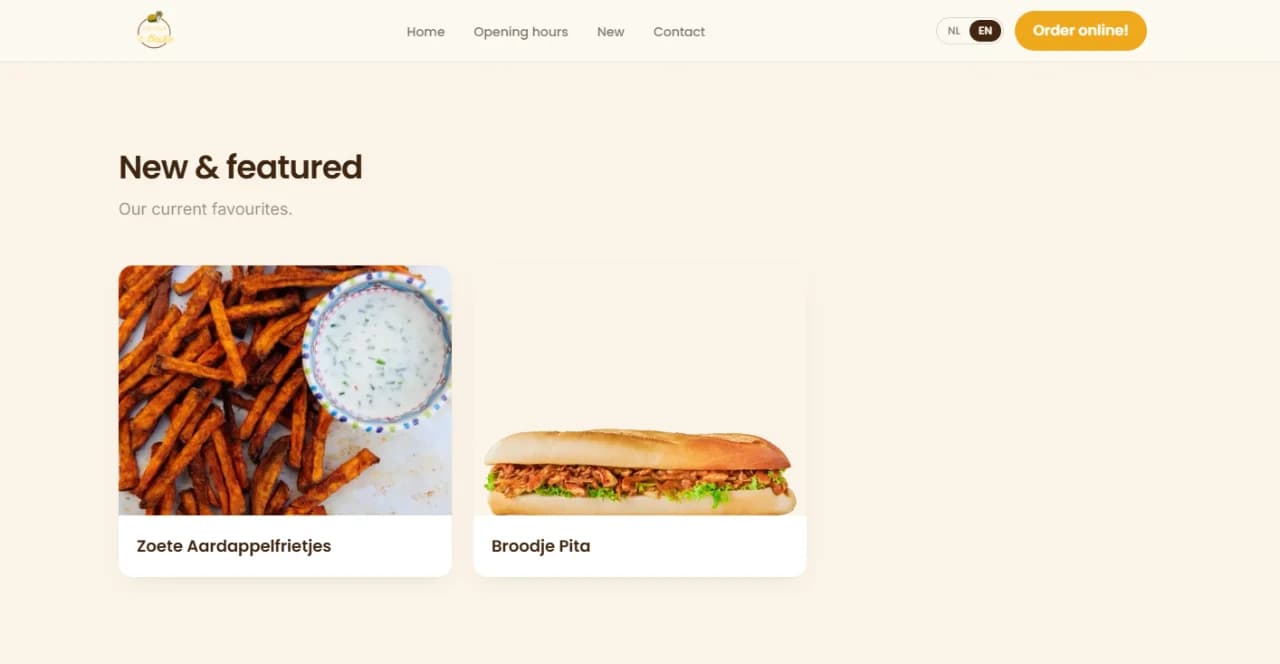
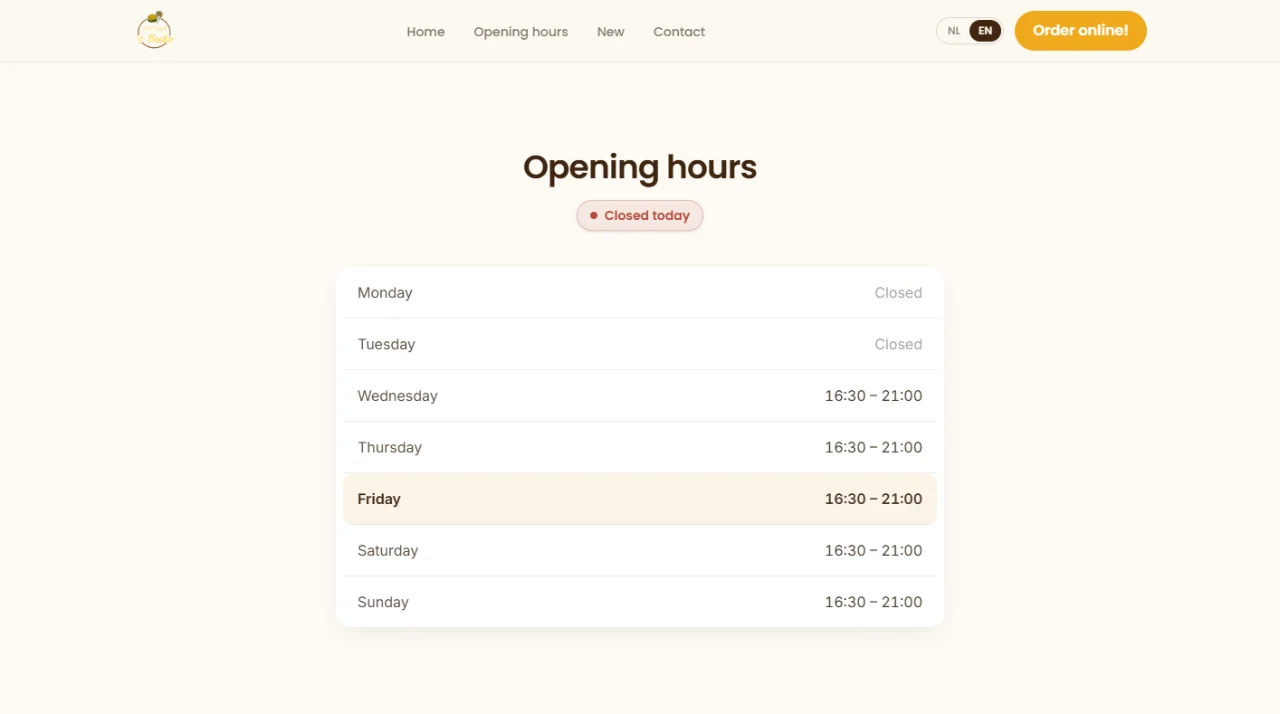
Every section on its own, cut exactly at its edges, named after its heading.


Desktop and mobile
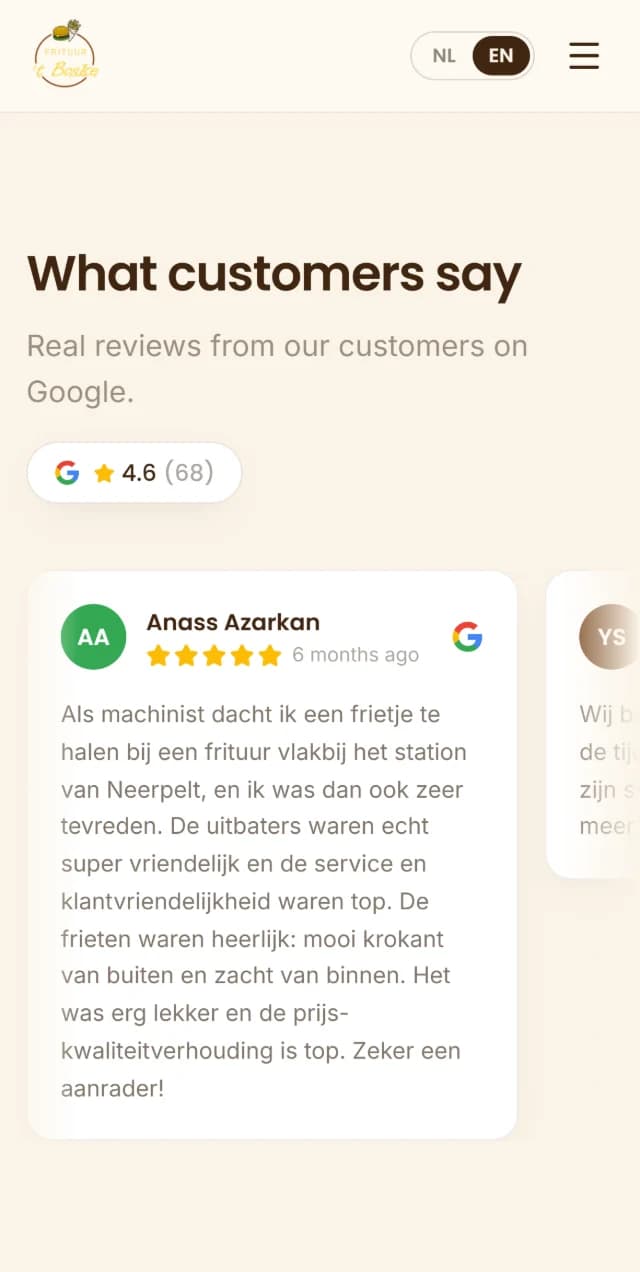
Switch to Mobile and Pagecut shows the site as on a real phone: the mobile layout, sharp at phone resolution. Or pick Both, and one click captures every page twice.

Ready to show: your website on a device
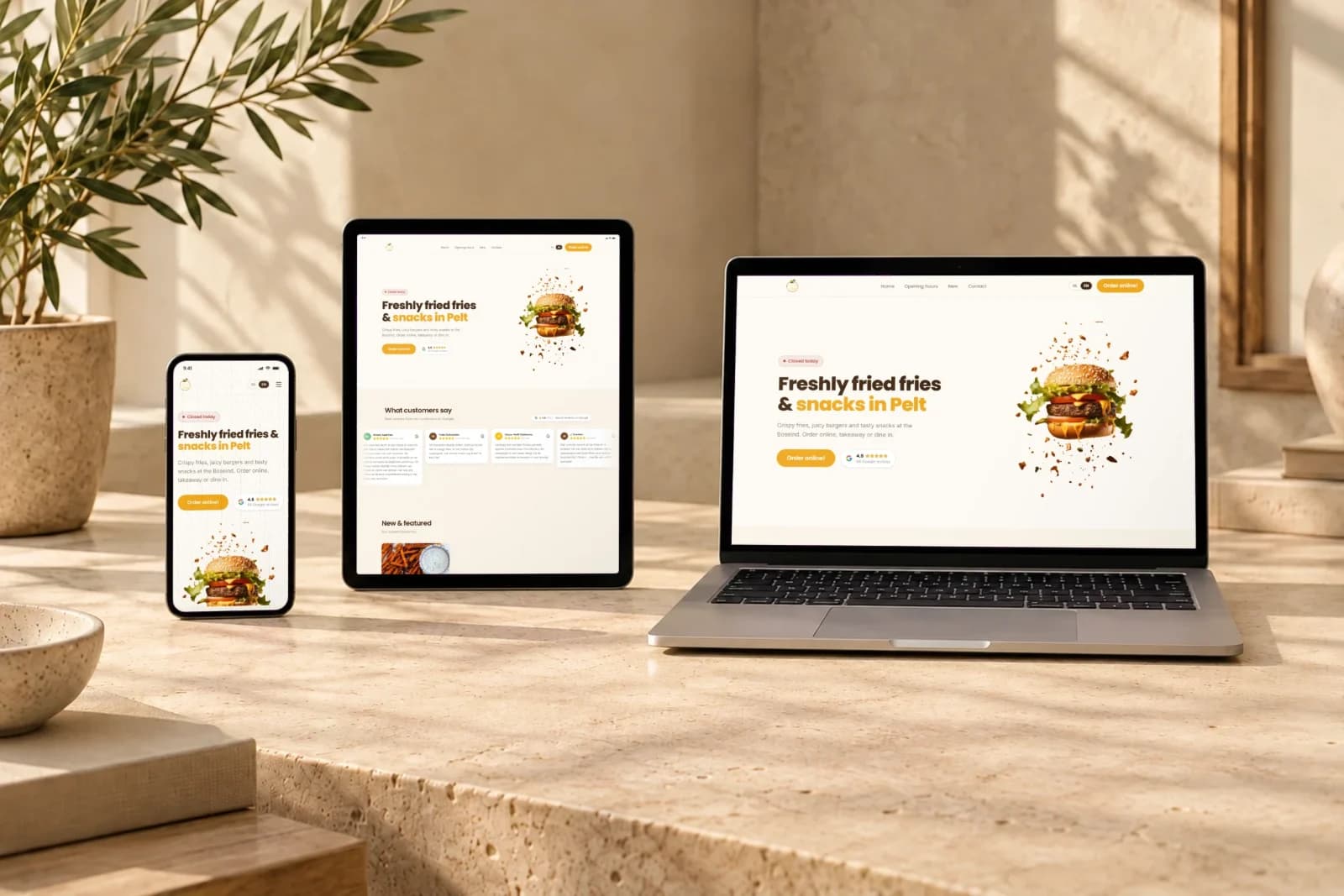
Switch Mockups on and Pagecut also puts the website on photos of a laptop, a tablet and a phone. No design tool needed.
Made for you
The mockups are in the ZIP, next to the screenshots: laptops for desktop, phones for mobile.
All devices in one photo
Capture desktop and mobile together and get the laptop, the tablet and the phone side by side.
The mockup studio
Choose which section is on the screen, move the page, pick another photo, and download.
Everything a clean screenshot needs
Finds every page
Through the sitemap and the site's own links.
Smart sections
Hero, reviews, pricing, footer: detected automatically, each its own shot.
No popups
Cookie banners, popups and chat widgets are hidden before each shot.
As a visitor sees it
The navbar in the first shot, and no sticky header covering the rest.
Settled and sharp
Animations frozen, lazy images loaded, at your screen's resolution.
Tips per website
Tall sections cut off? Pagecut suggests a fix and remembers it for that site.
Small files
Screenshots are saved as WebP: ready for the web, about a sixth of the size of a PNG. PNG and JPEG are a setting away.
An overview in every ZIP
Open index.html and browse every page and section as small pictures, without opening folders.
Only the pages you want
Tick the pages to capture, and skip whole parts of a site, like /blog/, with your own rules.
Private by design
Pagecut runs entirely in your browser. No account, no tracking, nothing is uploaded. Your screenshots go straight to your Downloads folder.
Read the privacy policy →Stop cropping screenshots by hand
Pagecut is free. Install it once and capture any website in seconds.